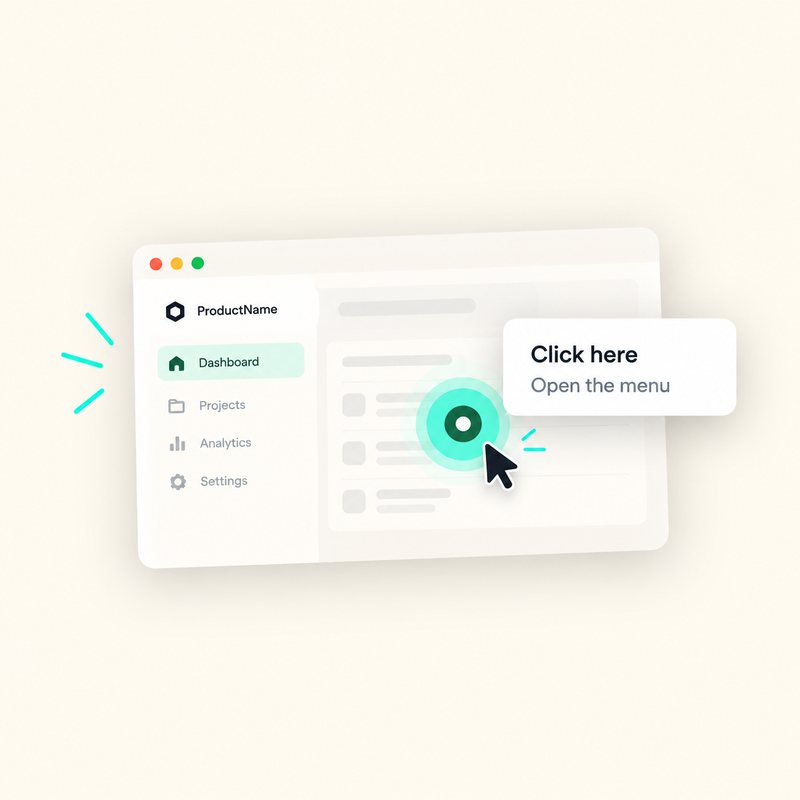
Clickable hotspots
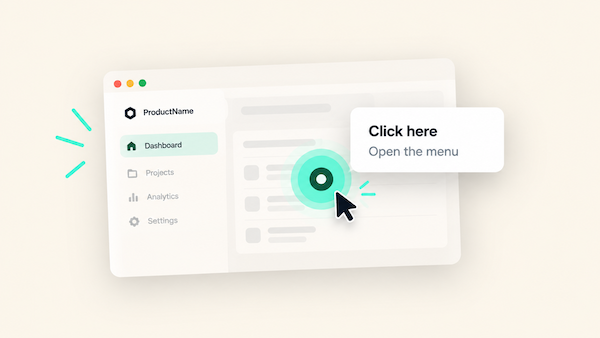
Drop hotspots on any screenshot and decide where each click leads, so viewers explore your product the way it really flows.

Upload screens, drop clickable hotspots, write the story, zoom into the detail that matters — then share an interactive product walkthrough your customers can click through.
Features
Product demo software that stays simple: turn screenshots into interactive walkthroughs, then protect private data, brand your demos, organize them into collections and export them as a PDF guide or a video.
Drop hotspots on any screenshot and decide where each click leads, so viewers explore your product the way it really flows.
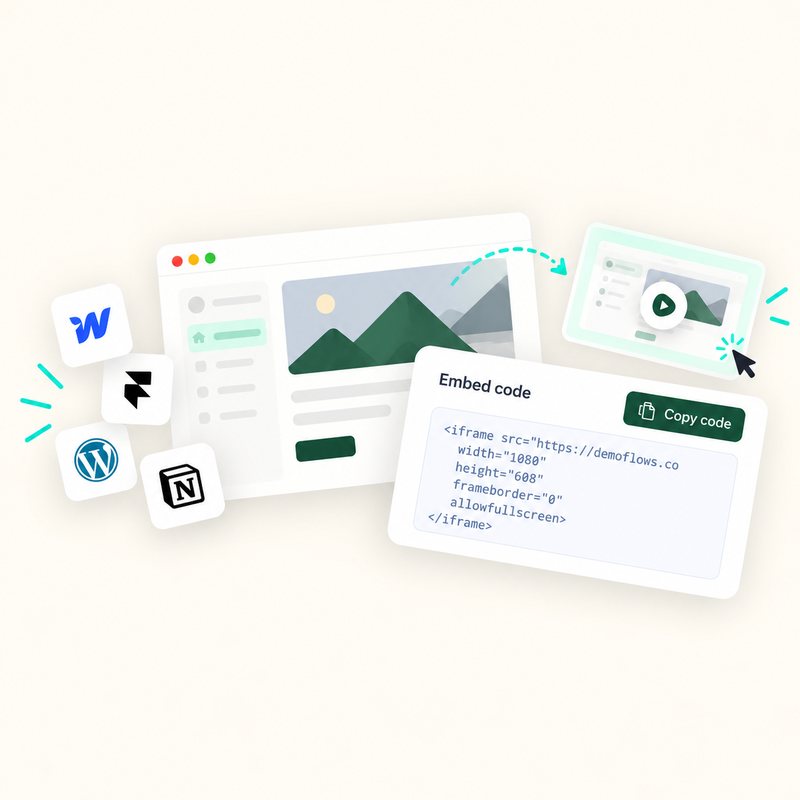
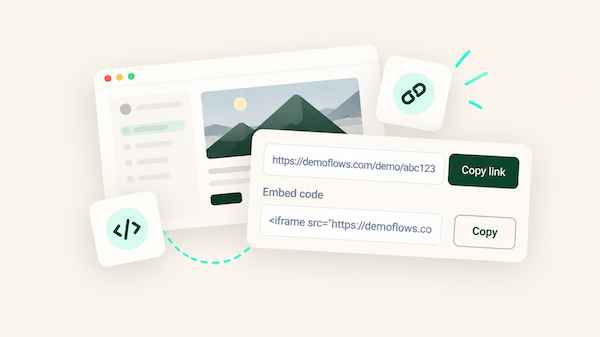
Paste one snippet into your site, docs or help center. The demo sizes itself to fit, on any screen.
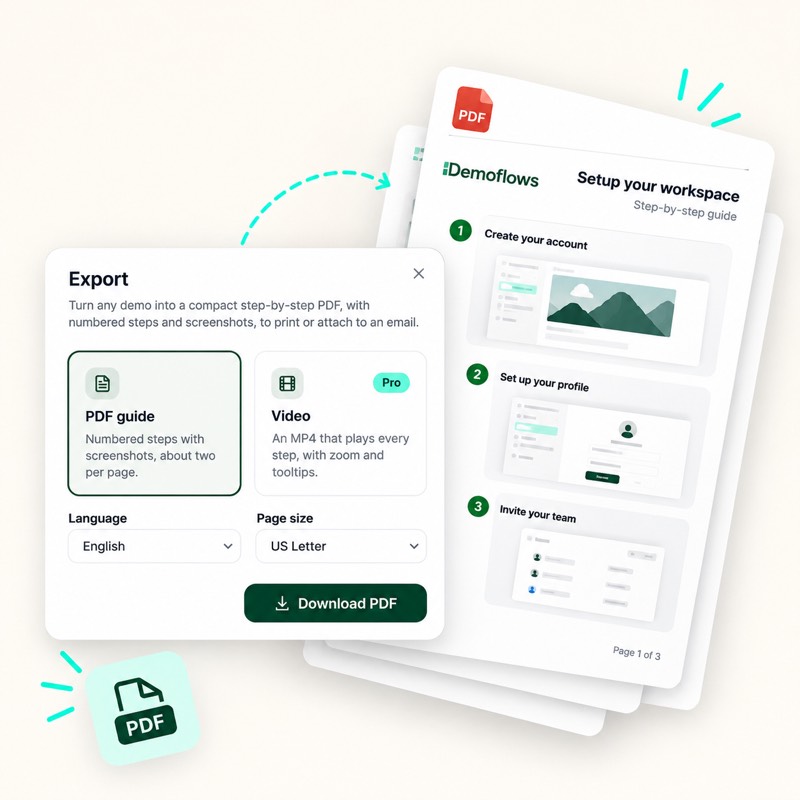
Turn any demo into a compact step-by-step PDF, with numbered steps and screenshots, to print or attach to an email.
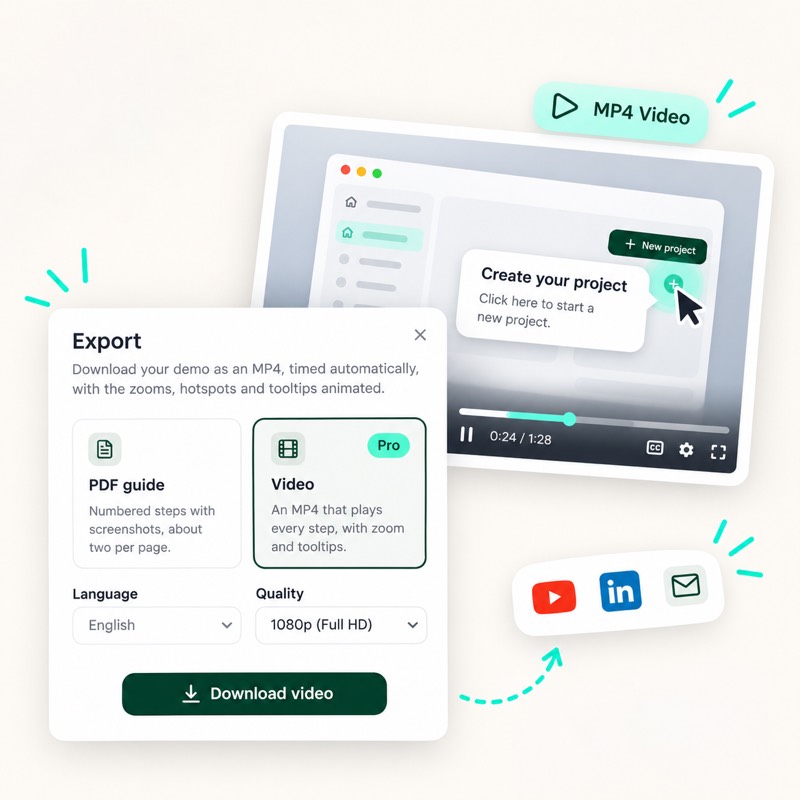
Download your demo as an MP4, timed automatically, with the zooms, hotspots and tooltips animated. Ready for YouTube, social posts or a sales email.
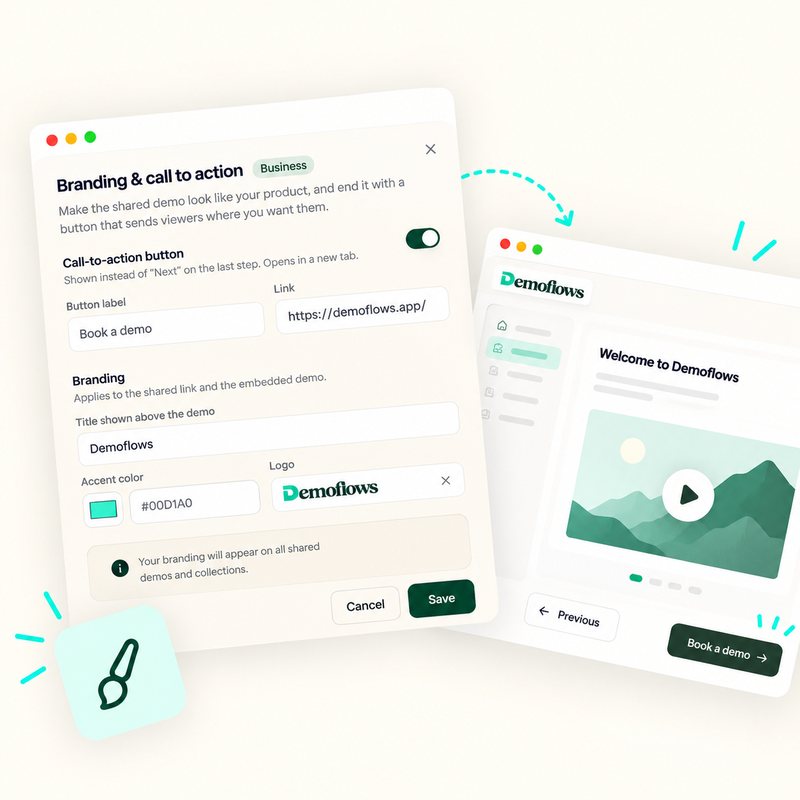
Your colors, logo and title on every shared and embedded demo and collection, so it feels like part of your product.
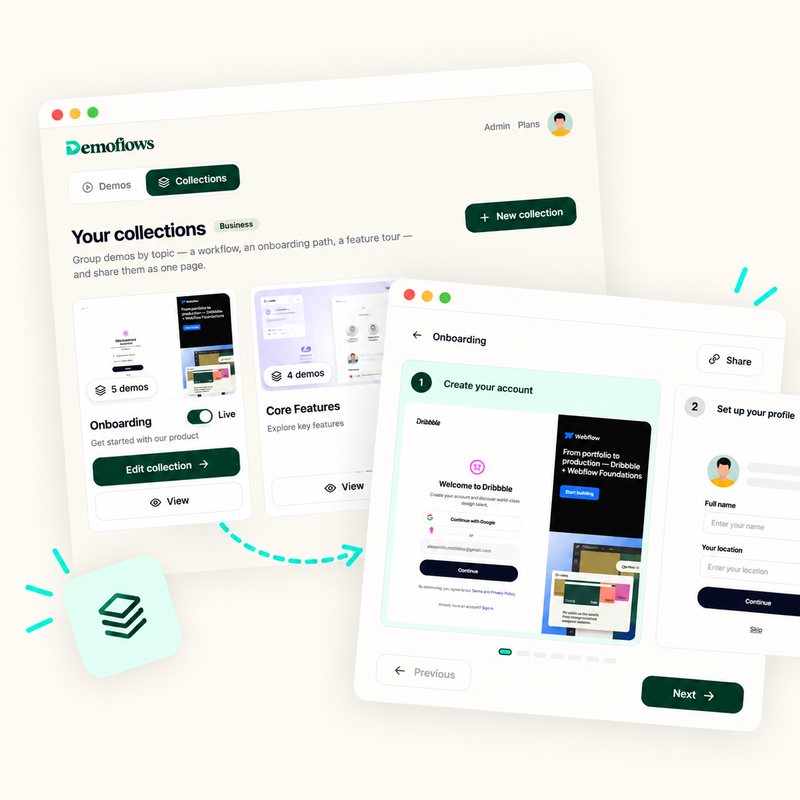
Group demos by topic, like onboarding, a workflow or a feature tour, and share them as one page of cards with Previous / Next.
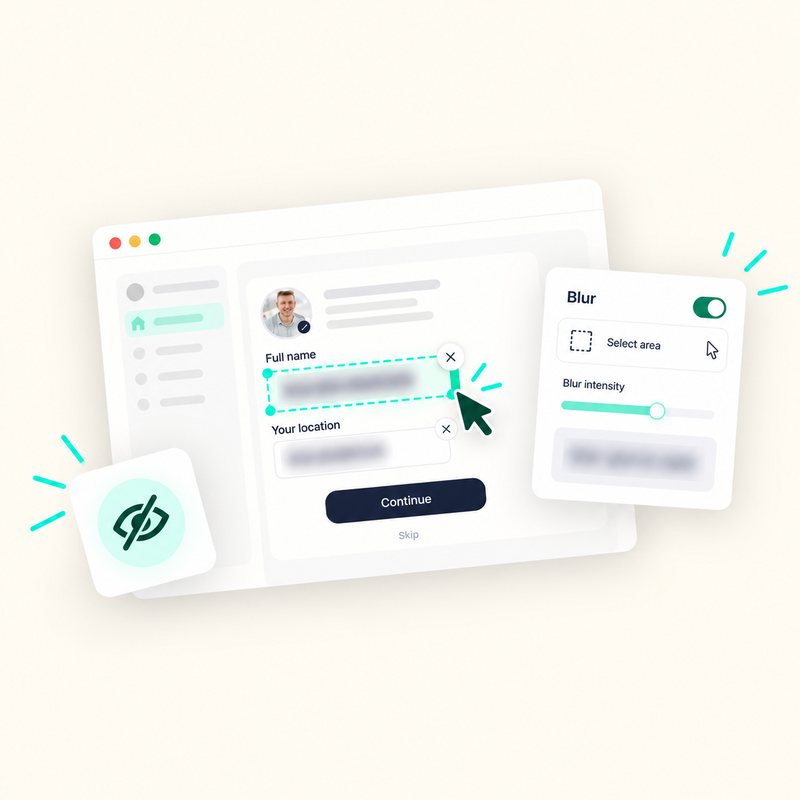
Hide emails, names and numbers before you share. The blur is saved into the screenshot itself, so the original can’t be recovered from your demo.
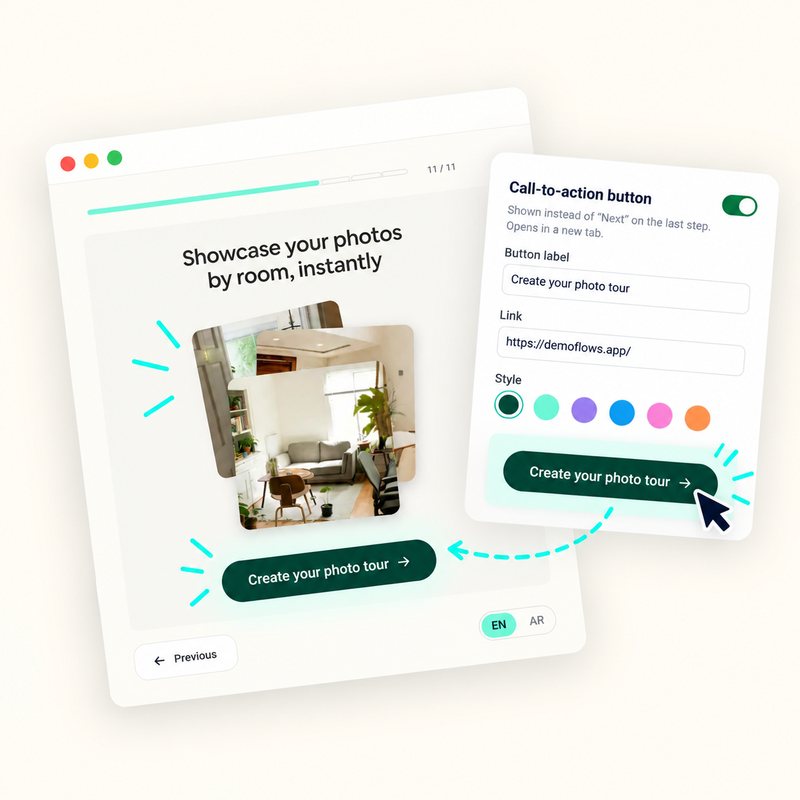
End each demo with a button, like “Book a call” or “Start free trial”, that sends viewers where you want them next.
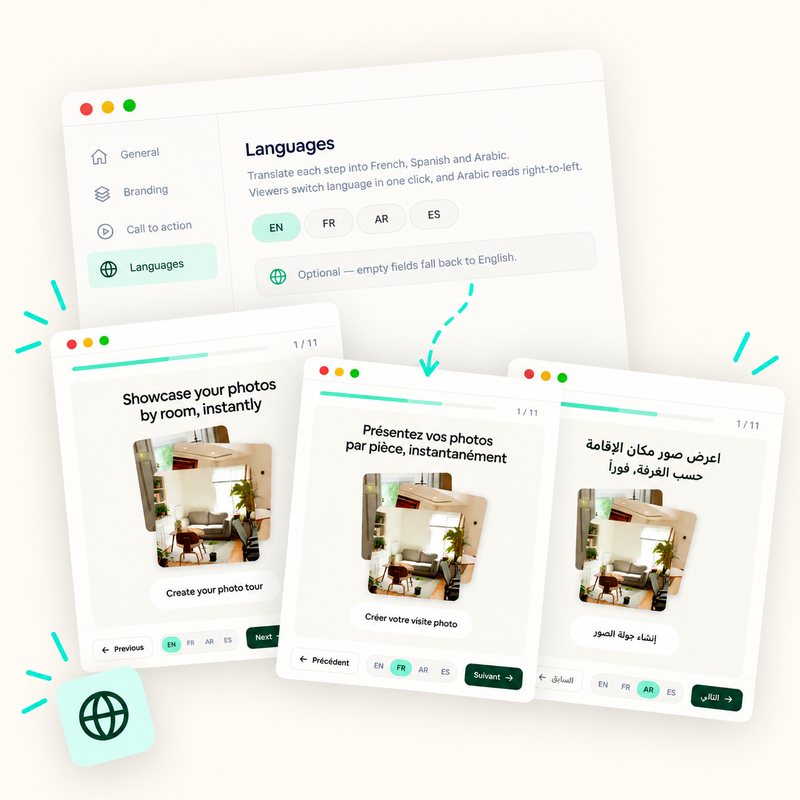
Translate each step into French, Spanish and Arabic. Viewers switch language in one click, and Arabic reads right-to-left.
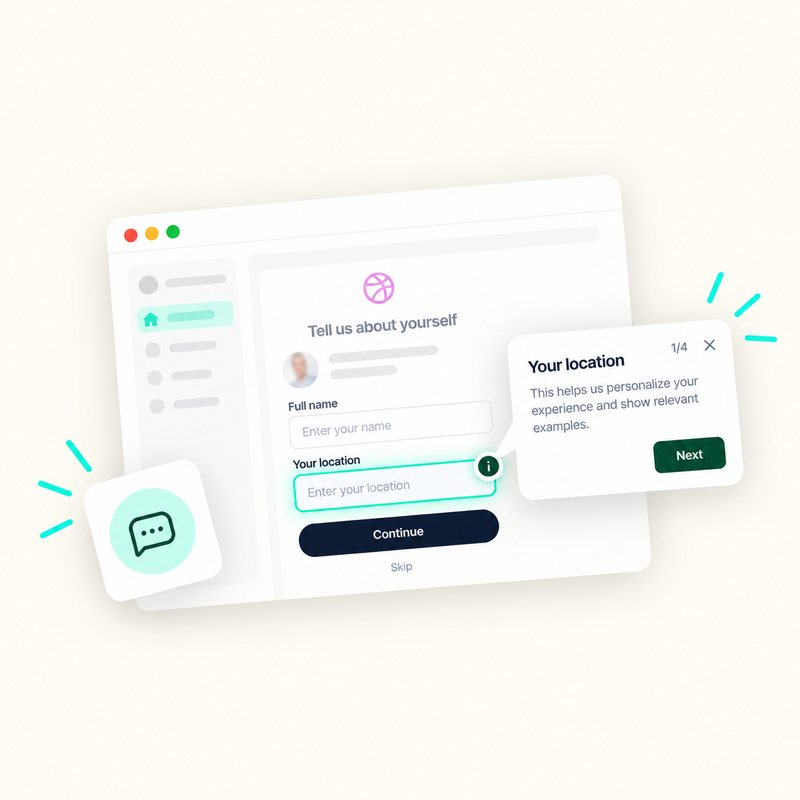
Draw boxes around the parts that matter and add a short label, or spotlight them and dim everything else.
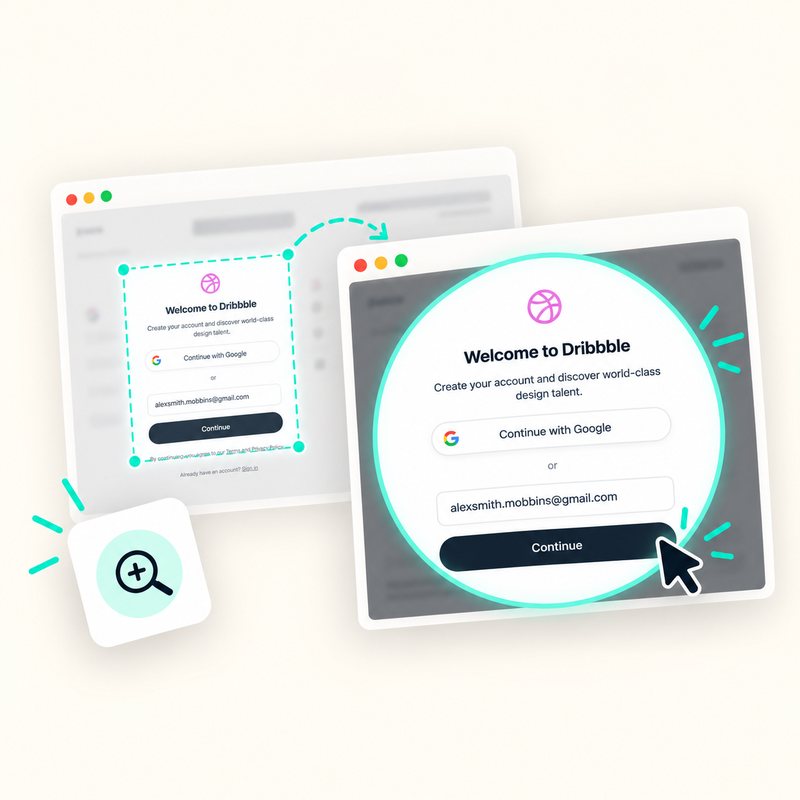
Zoom into the part of the screen you want to highlight, with smooth transitions between steps.
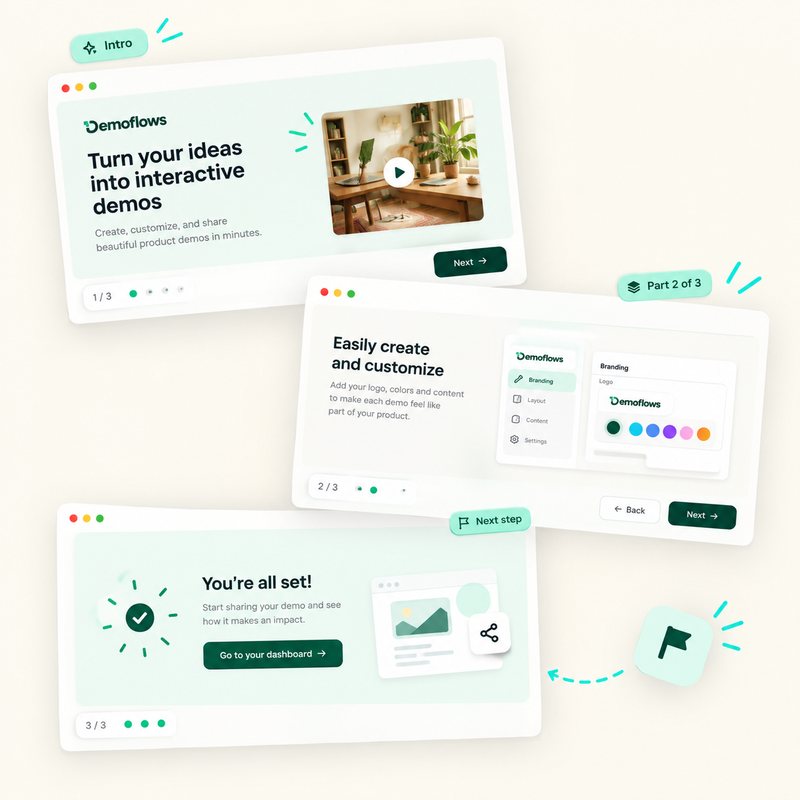
Open with a title card, split long demos into parts and close with a next step. Pick the color, font, size and layout.
Every plan includes the features without a badge. Pro features are included in Pro and Business; Business features in Business. Compare plans →
How it works
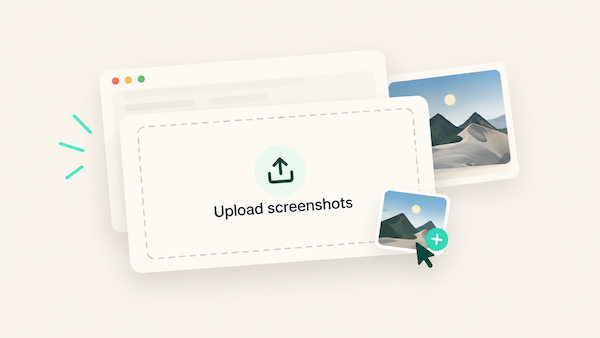
Drag in the screens that tell your product’s story.
Place hotspots, write tooltips and pick a zoom for each screen.
Copy the link or embed it — it’s live as soon as you save.
Chrome extension
The DemoFlows Recorder turns a walkthrough into a ready-to-edit demo. Start recording, use your product as usual, click Finish: your demo opens in the editor with every step in place.
Pricing
Your trial includes one demo with Starter features, and no card. Activate a plan when you’re ready for more.
7 days, no card needed.
$0for 7 days
Includes 500 MB of storage
Start free trialFor makers sharing their first demos.
$7/ mo
Billed annually ($84/year)
Includes 1 GB of storage
Choose planFor teams turning demos into leads.
$15/ mo
Billed annually ($180/year)
Includes 2 GB of storage
Choose planFor teams sharing a full demo library.
$25/ mo
Billed annually ($300/year)
Includes 5 GB of storage
Choose planGet started today
Sign in and publish your first interactive demo in minutes.