Linking to a demo works for emails. On your website, an embedded demo works better: visitors try your product right where they're reading about it, without leaving the page. This guide shows how to add one on the most common site builders.
1. Copy the embed code
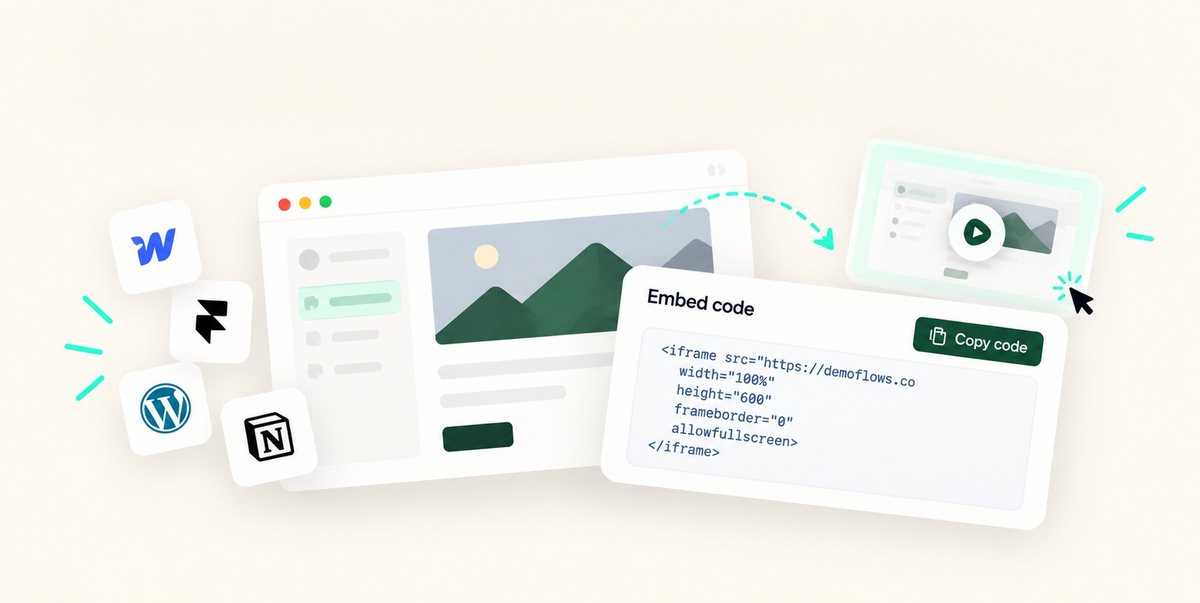
In DemoFlows, open your demo and click Share. The dialog has two things: the link, and an embed code that looks like this:
<iframe src="https://demoflows.app/play/…?embed=1" …></iframe>
<script async src="https://demoflows.app/embed.js"></script>
The first line is the demo itself. The second line is a tiny script that makes the frame size itself to the demo, so there's no inner scrollbar and no empty gap, on desktop and on phones. If a site builder removes the script, the demo still works: the frame simply uses a sensible 16:10 shape instead.
2. Plain HTML sites
Paste the code where you want the demo to appear, inside your page's content. That's it. Put a short heading above it, like "See how it works", so visitors know it's interactive.
3. Webflow
- Open the Add panel and drag a Code Embed element onto the page.
- Paste the embed code, save, and publish the site.
- The demo appears on the published site. In the Designer you may only see a placeholder.
If you can't add custom code, check your Webflow plan's custom-code options.
4. Framer
- Insert an Embed component and choose the HTML option.
- Paste the embed code.
- Framer shows embeds inside a box with its own size, so set the box's height to fit the demo (for example 640px on desktop, less on mobile breakpoints).
5. WordPress
- In the block editor, add a Custom HTML block.
- Paste the embed code and preview.
Some setups remove scripts from posts, depending on your hosting plan, your user role or a security plugin. If that happens, the demo still shows at its fixed shape. Keeping only the <iframe> line is fine.
6. Notion
Paste the demo's link (not the code) into a page and choose Embed when Notion offers it, or add an /embed block and paste the link there. Notion decides how to display outside pages: if it shows a bookmark card instead of the live demo, readers can still click through to it.
Other site builders
Squarespace, Wix, Ghost, help-center tools and most site builders have an "HTML", "Code" or "Embed" block. Paste the code there. Where scripts aren't allowed, the iframe line alone works.
Tips for an embed that gets used
- Put it where the question is. Next to the feature it explains, or right after your hero section.
- Keep it short. Five to ten steps. If you have more to show, embed a collection instead: several demos on one page, played in order.
- End with a next step. An outro slide or a call-to-action button ("Start free trial") turns interest into signups.
- Check it on a phone. The embed resizes, but your page layout around it should too.
Troubleshooting
The frame says "This demo isn't available right now"
The demo is turned off. Switch it back to Live in the editor; the same embed works again.
There's a scrollbar inside the frame
The sizing script was removed by your site builder. Either allow the script, or give the frame a fixed height that fits.
Nothing shows at all
Your site may block outside frames with a security policy. Allow https://demoflows.app in its frame-src setting.
Will it slow down my page?
The frame loads lazily, when a visitor scrolls near it, so it doesn't delay the top of your page.
New to building demos? Start with how to create an interactive product demo from screenshots.
Make your first interactive demo
Upload a few screenshots, add hotspots and tooltips, and share a link in minutes. 7-day free trial, no card needed.
Start your free trial