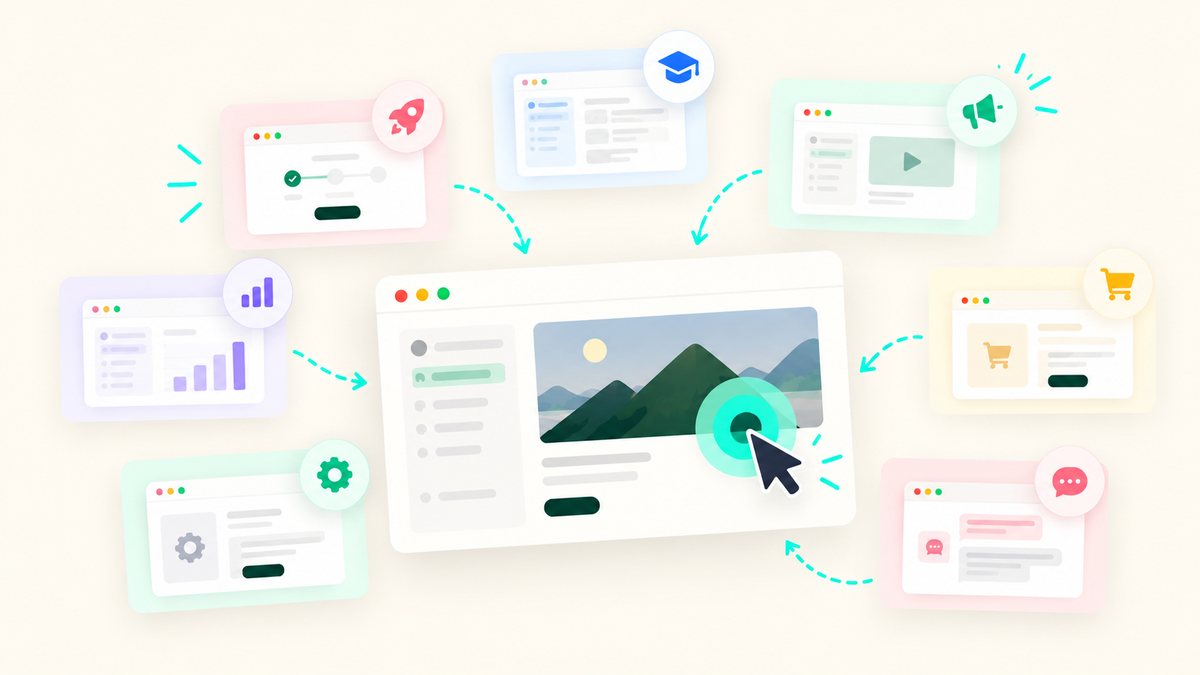
Most teams make one interactive demo for the homepage and stop there. But a demo is just a guided path through your product, and lots of moments in a customer's journey need exactly that. Here are seven, each with a structure that works.
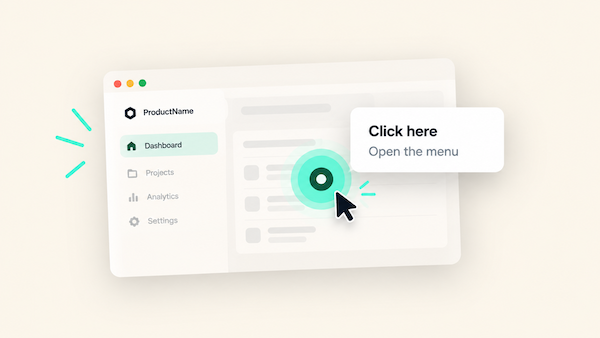
All of them use the same building blocks: an intro slide that sets the scene, steps with a hotspot and a short tooltip, highlights for areas worth noticing, and an outro or call to action that says what to do next.
1. The landing page demo
Goal: show a visitor the core value in under two minutes, without signing up.
Structure: intro slide with your promise → the 5 to 8 steps of your key workflow → outro with a "Start free trial" button.
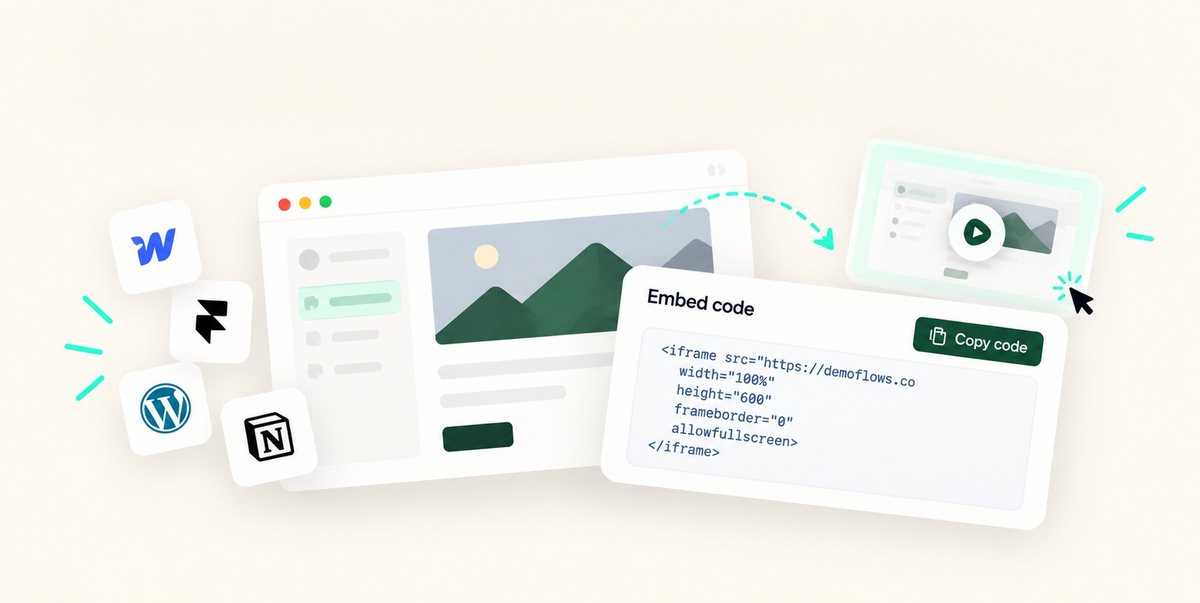
Pick the one workflow that makes people say "oh, that's useful", not a tour of every menu. Embed it near your hero section; see how to embed a demo on your website.
2. Feature launches and changelog posts
Goal: make sure people actually see what you shipped.
Structure: a slide titled "New in …" → 3 to 5 steps showing the feature in context → a highlight on the new button or panel.
Embed it in the changelog entry and the announcement email. A demo shows the feature in context, where a single screenshot often doesn't.
3. Sales follow-ups
Goal: keep the conversation going after a call, and reach the people who weren't in it.
Structure: intro slide naming the prospect's problem → the exact workflow you discussed → a "Book a call" button at the end.
Prospects forward demos to colleagues who'll never join a call, so a link that walks through the workflow on its own does some of your selling for you. Brand it with your colors and logo so it looks like part of the conversation.
4. Onboarding
Goal: get new users to their first success faster.
Structure: a collection called "Getting started", with one short demo per first task (connect your data, invite your team, create your first project), in order.
Link it from your welcome email and your empty states. Short, separate demos beat one long one: people come back for the step they need.
5. Help center and docs
Goal: answer "how do I…?" questions without a support ticket.
Structure: no intro needed: straight into the 3 to 6 steps, with highlights on the exact fields to fill in.
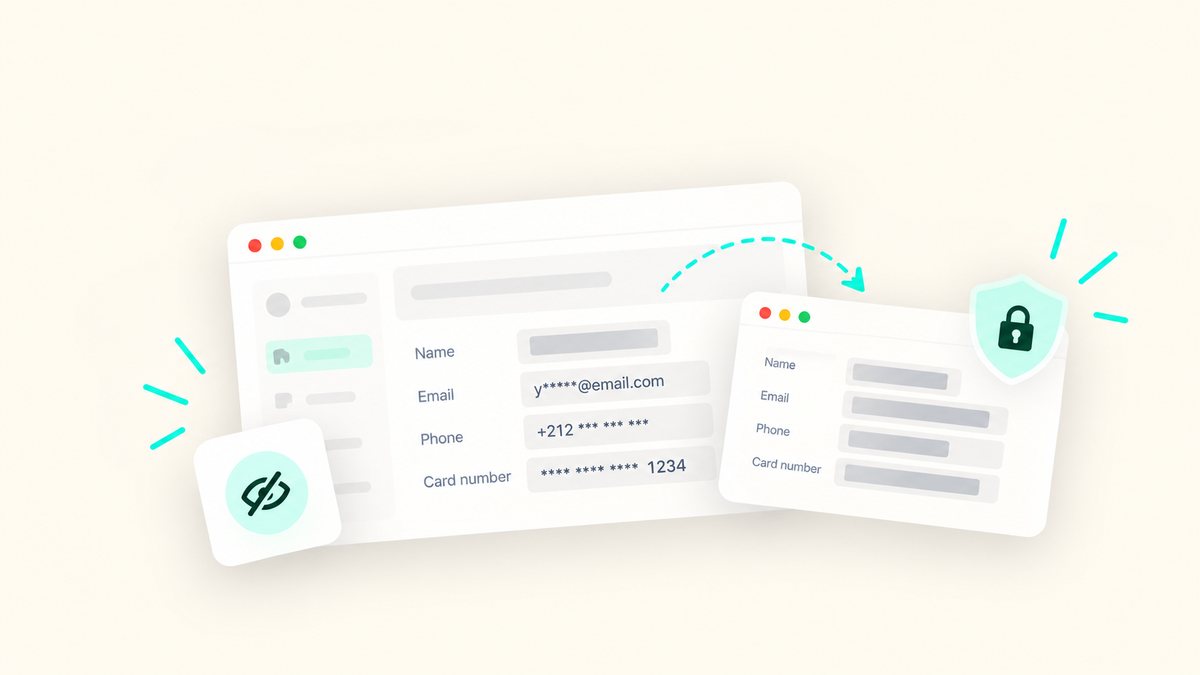
Embed one per article, above the written steps. Readers who prefer clicking get the demo; readers who prefer text still have it. Before publishing, make sure no real customer data is in the screenshots: see how to hide sensitive data in screenshots.
6. Team training
Goal: teach your support and sales teams a new feature before customers ask about it.
Structure: section slides for each part ("Part 1: Setup", "Part 2: Common questions") → steps → an outro with links to the internal docs.
Demo links are unlisted, and you can turn a demo off when it's no longer needed, which suits internal material.
7. New markets and languages
Goal: show your product to people in their own language.
Structure: any of the above, with each step's text translated. Share links that open in the right language, like ?lang=fr or ?lang=ar.
This is often the cheapest localization you can do: translating short tooltips is much faster than re-recording videos. More in multilingual product demos.
Quick reference
| Use | Length | Ends with |
|---|---|---|
| Landing page | 5–8 steps | Start free trial |
| Feature launch | 3–5 steps | Try it now |
| Sales follow-up | 5–10 steps | Book a call |
| Onboarding | Several short demos | Next demo in the collection |
| Help center | 3–6 steps | Link to related article |
| Team training | Sections of 3–5 steps | Internal docs |
| New markets | Same as source | Same, translated |
Frequently asked questions
Which one should I start with?
The one closest to revenue: usually the landing page demo, or a sales follow-up if you sell through calls.
Can I reuse the same screenshots?
Yes. Duplicate a demo and change the text, highlights and ending for each audience.
How often should I update them?
Whenever the interface changes noticeably. Replacing a screenshot keeps its hotspot and text, so updates are quick.
Make your first interactive demo
Upload a few screenshots, add hotspots and tooltips, and share a link in minutes. 7-day free trial, no card needed.
Start your free trial